
Fénix 0.3.0: editable planning, coding and local browsing
Fénix progress from September 14–15: subagents, project context, editable plans, coding tools and a local browser.
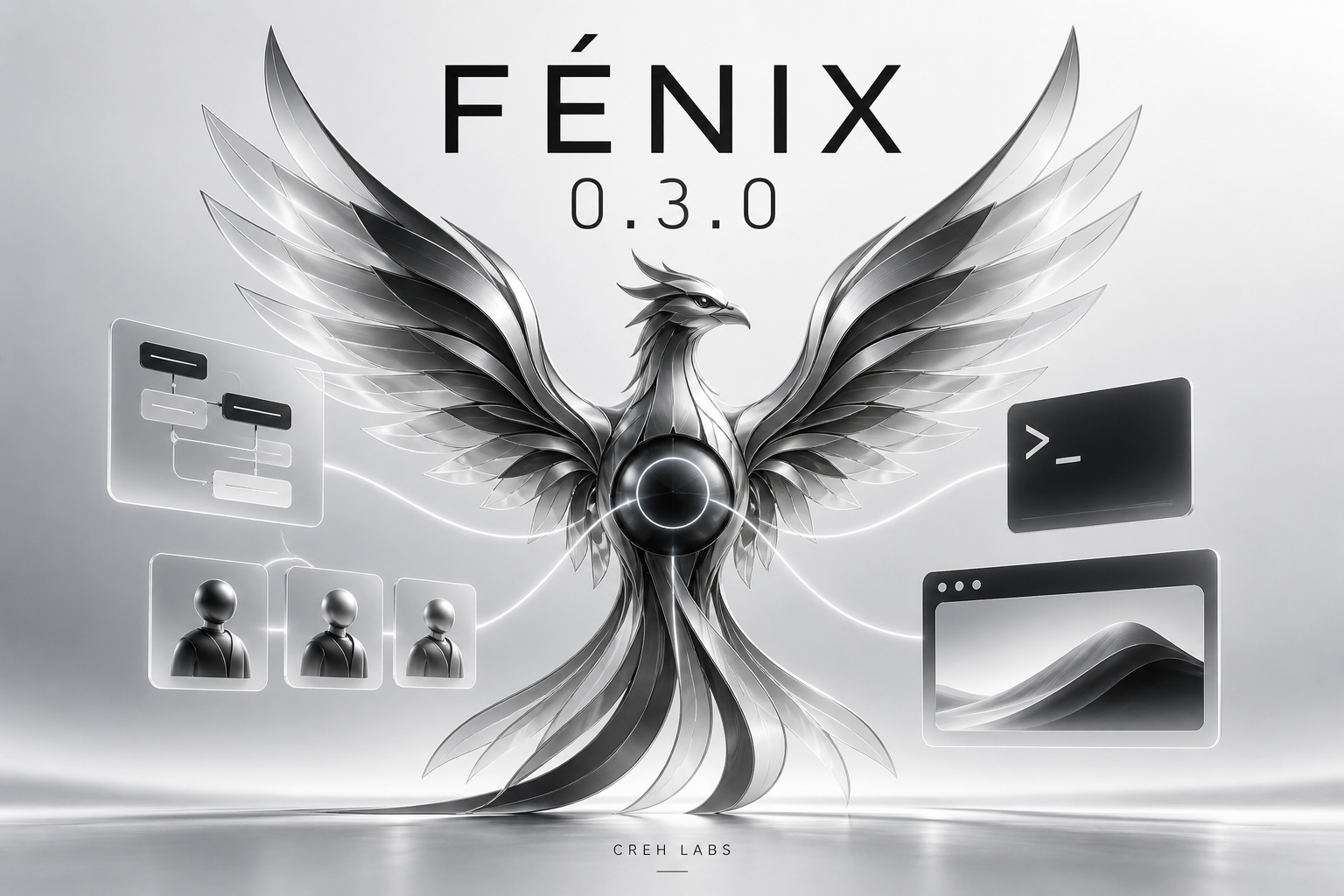
Fénix has reached version 0.3.0. I am continuing to build a personal AI assistant that I can talk to, organize projects with and ask to carry out work through a single conversation.
This update brings together the work of September 14 and 15, 2026. Background subagents and project-scoped context arrived in 0.2.0; this release extends that foundation with editable planning, coding tools, independent web search and local browsing.
One conversation, several projects
The web interface and Telegram share one continuous conversation. Internally, Fénix retains general context and separates each project’s instructions, explicit memory, tasks and working directory.
The main agent can delegate tasks with a specific objective and expected output while remaining available in the conversation. Subagents work with focused context and on-demand skills, without creating further subagents. The main agent can now also send corrections and continue working with an existing worker, retaining its identifier, context and previous results.
Plans that can change as work progresses
Fénix organizes work into milestones and dependencies, records questions and delivers results to the appropriate channel. Planning and questions run asynchronously to keep the chat available.
A plan can be changed while it is being drafted or during execution. The runtime retains versions, identifies affected work and prevents an older result from reactivating an instruction that has already been replaced.
Adaptive review provides an initial review for complex plans and specialist reviewers when concrete questions justify them. It separates confirmed requirements, assumptions and open questions, and resolves objections through evidence. Reviewers use the configured model and do not replace decisions that belong to the user.
A more complete coding harness
The agent can find files using patterns and regular expressions, apply patches across multiple files and follow directory-scoped AGENTS.md instructions.
LSP integration supports definitions, references, symbols and diagnostics through language servers installed and configured by the owner. Compaction during active tasks preserves checkpoints and references to the original context so details can be recovered when needed.
Execution supports an interactive terminal, sending input to processes and services that remain active between turns. Output is read incrementally, with omitted portions retained in recoverable logs. Execution times and step limits can be adjusted from the web interface.
Tools also load on demand: the model starts with an essential set and discovers other capabilities through local search. This avoids sending every full tool schema at the start. Automatically creating new tools remains an open design question.
Independent search and a local browser
Fénix includes a background crawler, a local public-content index using SQLite FTS5 and concurrent page reading. Answers preserve source links. Search uses the content indexed by the installation, so coverage grows with crawling; it is not a complete index of the internet.
For pages that require JavaScript or interaction, Fénix can control a local Chromium browser from Rust. It includes persistent profiles, manual navigation, owner-enabled agent access, a separate encrypted password vault and different viewport sizes for checking responsive interfaces.
The agent observes DOM text, elements and geometry. Screenshots are available to the owner; this version does not provide model vision over those images.
The assistant’s foundation remains
Fénix retains explicit memory with lexical search, conversation history, textual approvals, reminders, cron, tool activity and web administration. It includes five manual skills: memory and reminders, local files, conversation recap, local troubleshooting and browser navigation.
The integration supports 17 providers and platforms: OpenAI, Anthropic, Google Gemini, OpenRouter, DeepSeek, xAI, Mistral AI, Alibaba Cloud, Moonshot AI, Z.ai, MiniMax, Groq, Together AI, Amazon Bedrock, Microsoft Azure, Google Vertex AI and Ollama. Credentials can be configured per project; access to each model depends on the account and the corresponding adapter.
Another step toward my personal assistant
The goal remains an assistant that supports everyday work and programming through natural conversation. Real-time voice, automatically learned memory and automatic recovery after interruptions remain future work.
Code and documentation: Fénix on GitHub.
Release details: version 0.3.0 changes.